

Download the Best VPN for Linux
The Windscribe VPN for Linux offers lightning-fast connectivity, encrypted and secure browsing, and a choice of over 130 server locations.
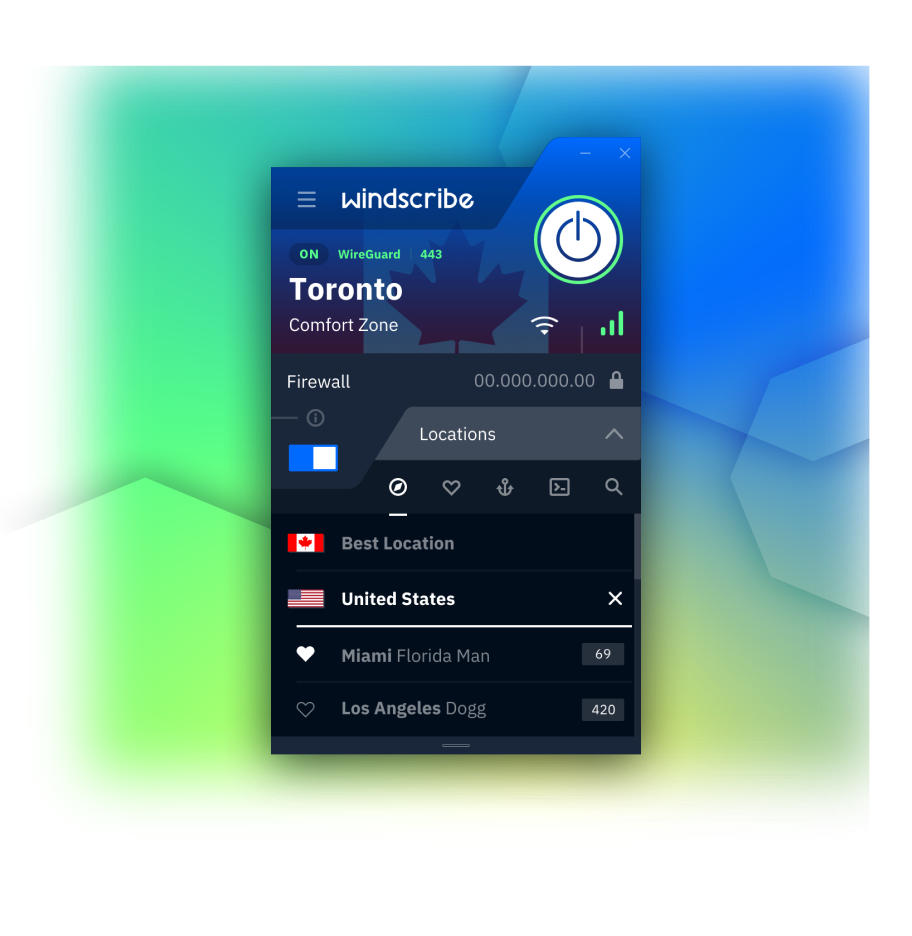
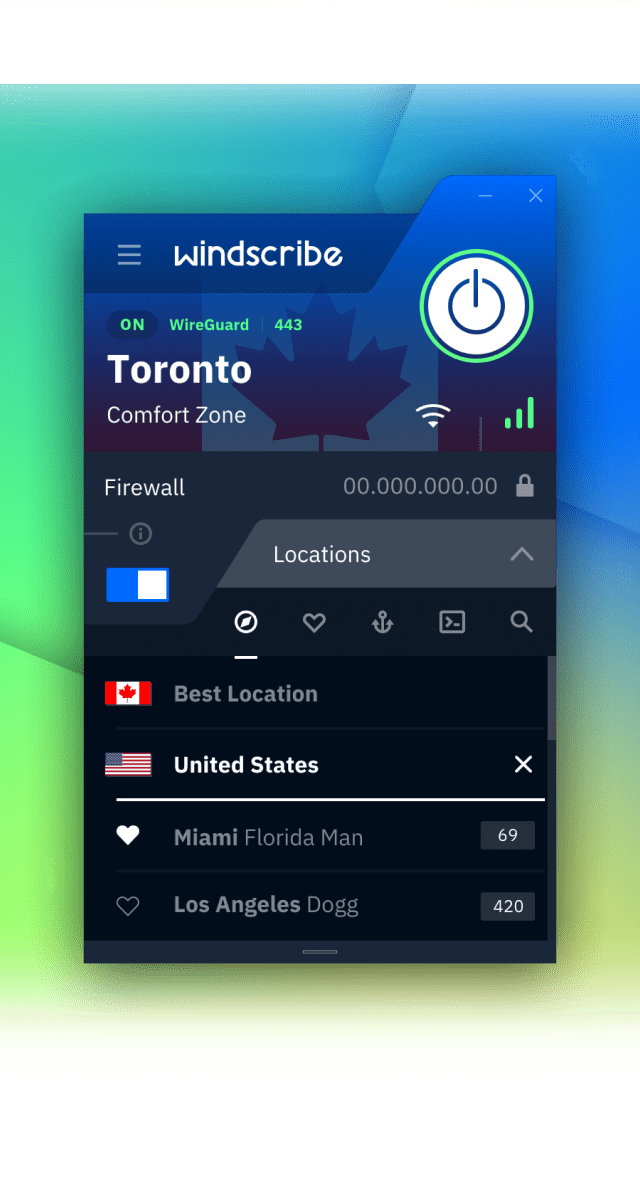
How to set up the Windscribe Linux VPN app
1
Get the App
2
Install the App
Follow the Instructions to Install the VPN App
3
Sign Up
You will be prompted to create an account after install. (No email required)
Features

5 Different Protocols

Network and Per-App Split Routing

MAC Address Spoofing

Custom Config Support

Unparalleled Connectivity
Connect on any network, regardless of your location.
Windscribe offers 5 different protocols to choose from, along with over 20 different connection ports.
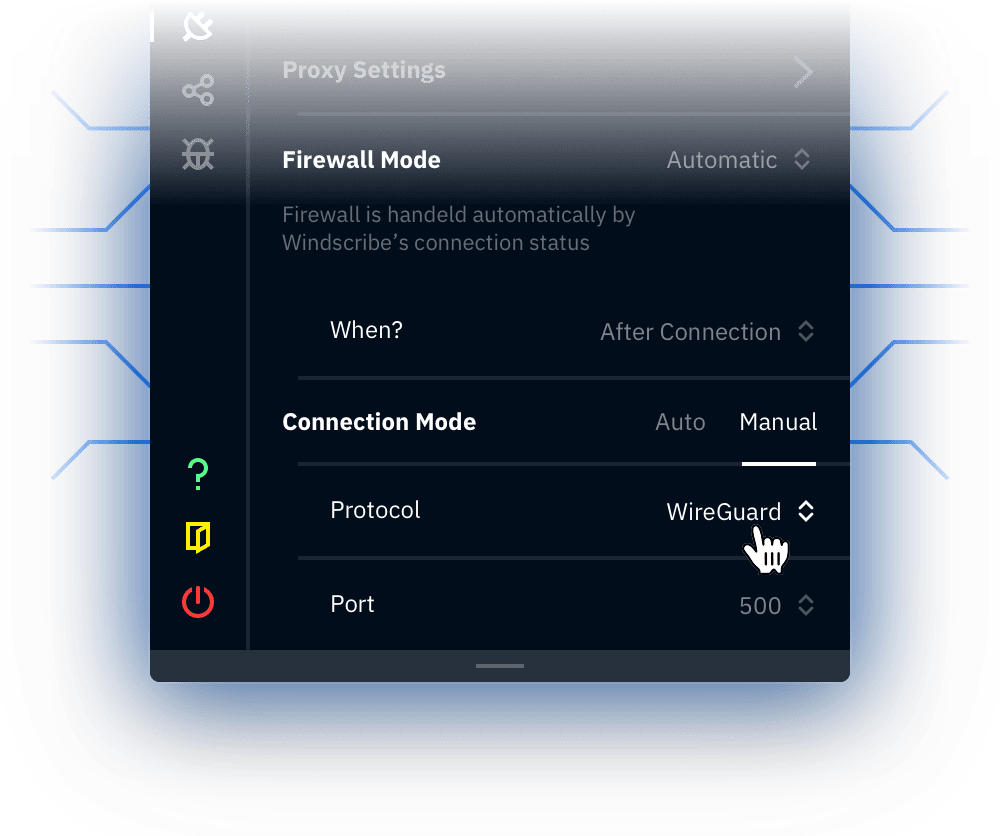
WireGuard
Latest next-generation VPN protocol that offers record breaking speeds. Connect on 6 different ports.
OpenVPN (TCP)
OpenVPN over TCP protocol. Helpful on restrictive networks. Connect on 11 different ports.
OpenVPN (UDP)
OpenVPN over UDP protocol. De facto VPN standard for years. Connect on 6 different ports.
Stealth
OpenVPN masked to look like HTTPS traffic. Helpful on restrictive networks. Connect on 11 different ports.
WSTunnel
OpenVPN masked to look like Websocket traffic. Helpful on restrictive networks.

Firewall
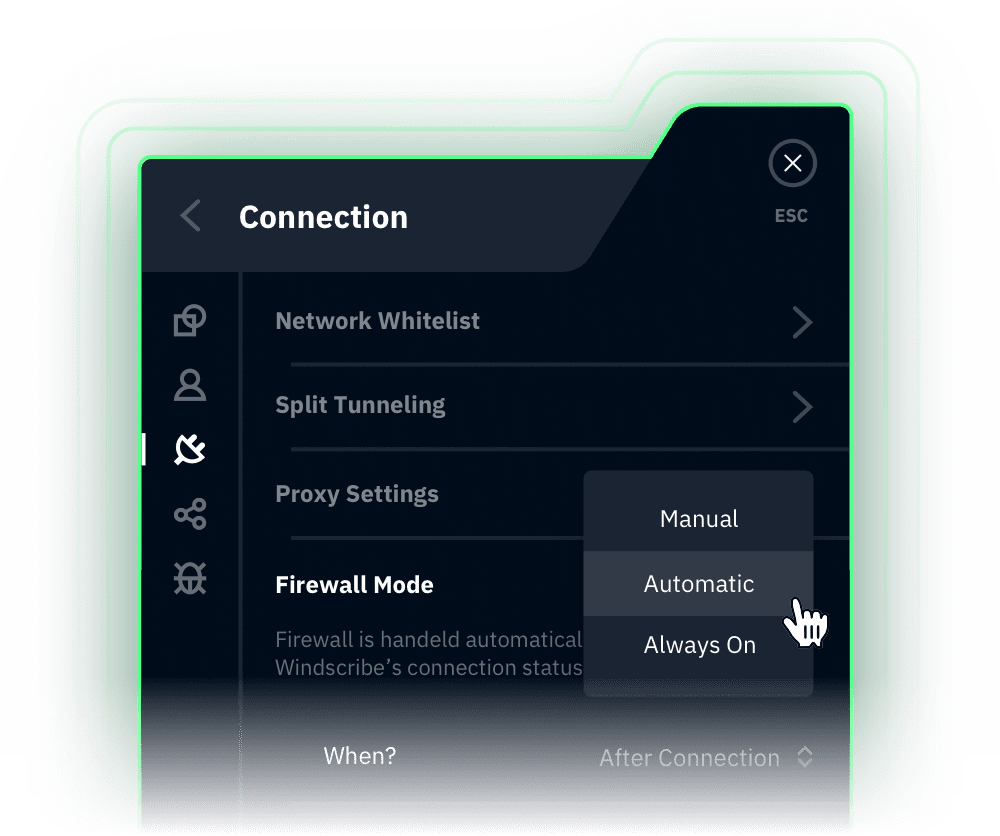
Eliminate the chance of any kind of leak.
Windscribe firewall, sometimes incorrectly called a "kill switch" utilizes native OS APIs to block all connectivity outside of the tunnel.
If your tunnel drops for any reason, the chance of leaks is completely eliminated. This is superior to a reactive "kill switch", which cannot guarantee that your IP will not leak.
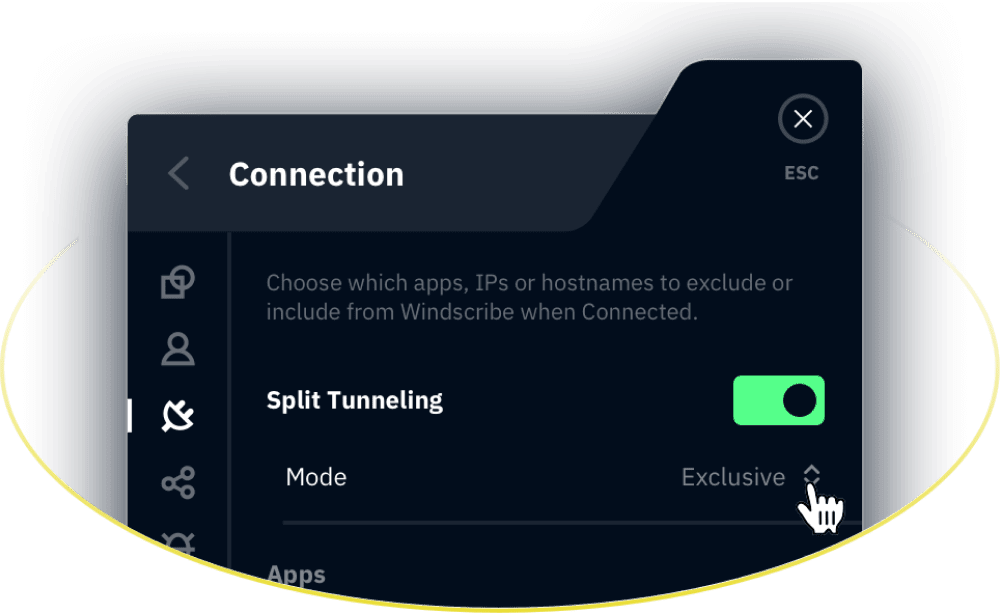

Split Tunneling
Choose which Apps go over the VPN, and which don’t.
There are cases when you don't wish to tunnel all your traffic through a VPN. Windscribe offers 2 split tunneling types, and 2 modes for each one.
Watch Feature Video
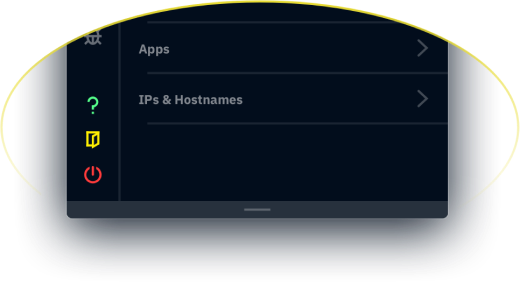
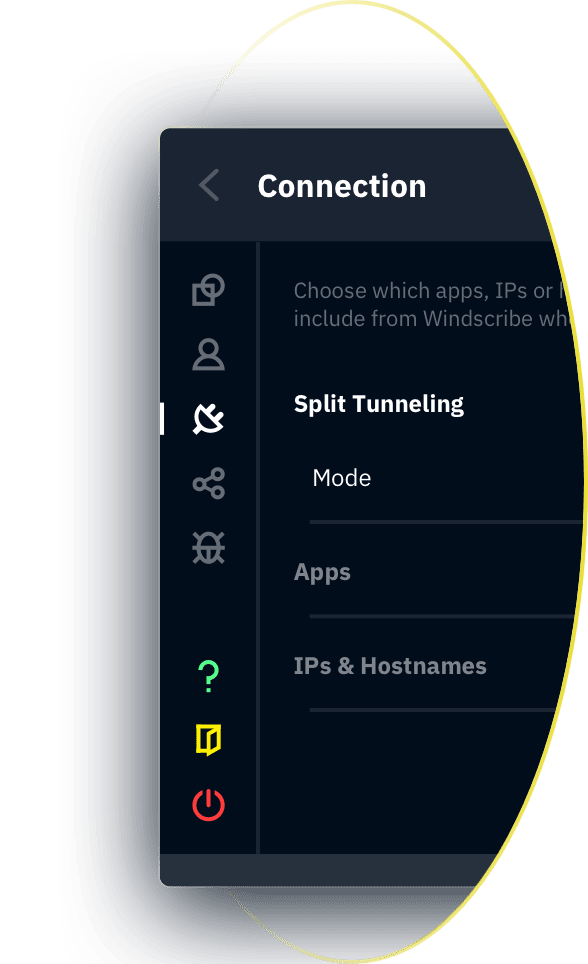
Split Tunneling
Choose which Apps go over the VPN, and which don’t.
There are cases when you don't wish to tunnel all your traffic through a VPN. Windscribe offers 2 split tunneling types, and 2 modes for each one.
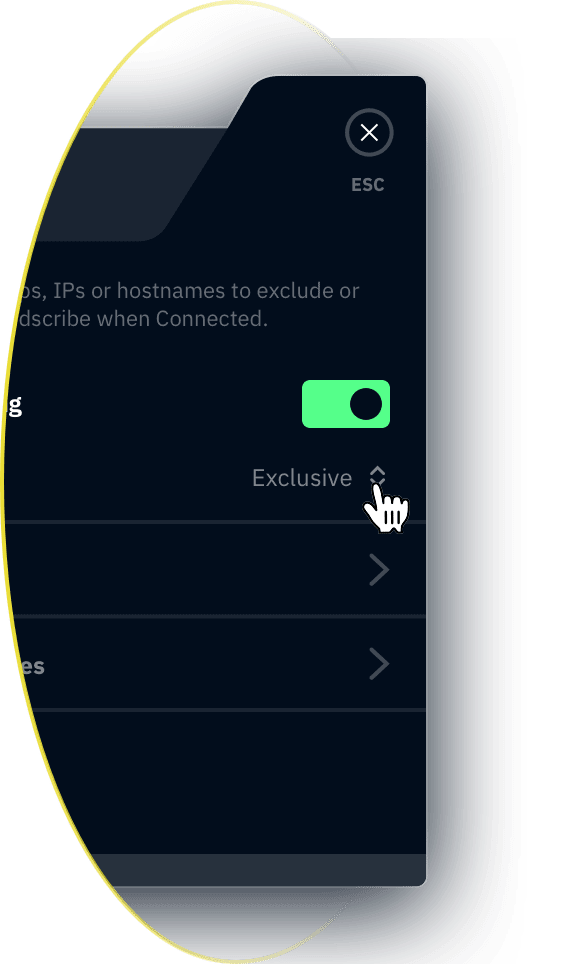
Per-App Split Tunneling
Allows you to select specific apps that go over the VPN tunnel, or alternatively you can exclude specific apps from the tunnel.
Network Level Split Tunneling
Allows you to select IP addresses, domains and whole IP networks to be tunneled over the VPN, or excluded from the tunnel.


MAC Address Spoofing
Appear as a brand new user, every time you connect.
When you use public Wifi, the operators will usually store your MAC address in some database. This allows them to track you when you return to the same network, or track your across different networks operated by the same company.
Mac spoofing prevents that by allowing you to generate a new MAC address on every single network.
Watch Feature Video

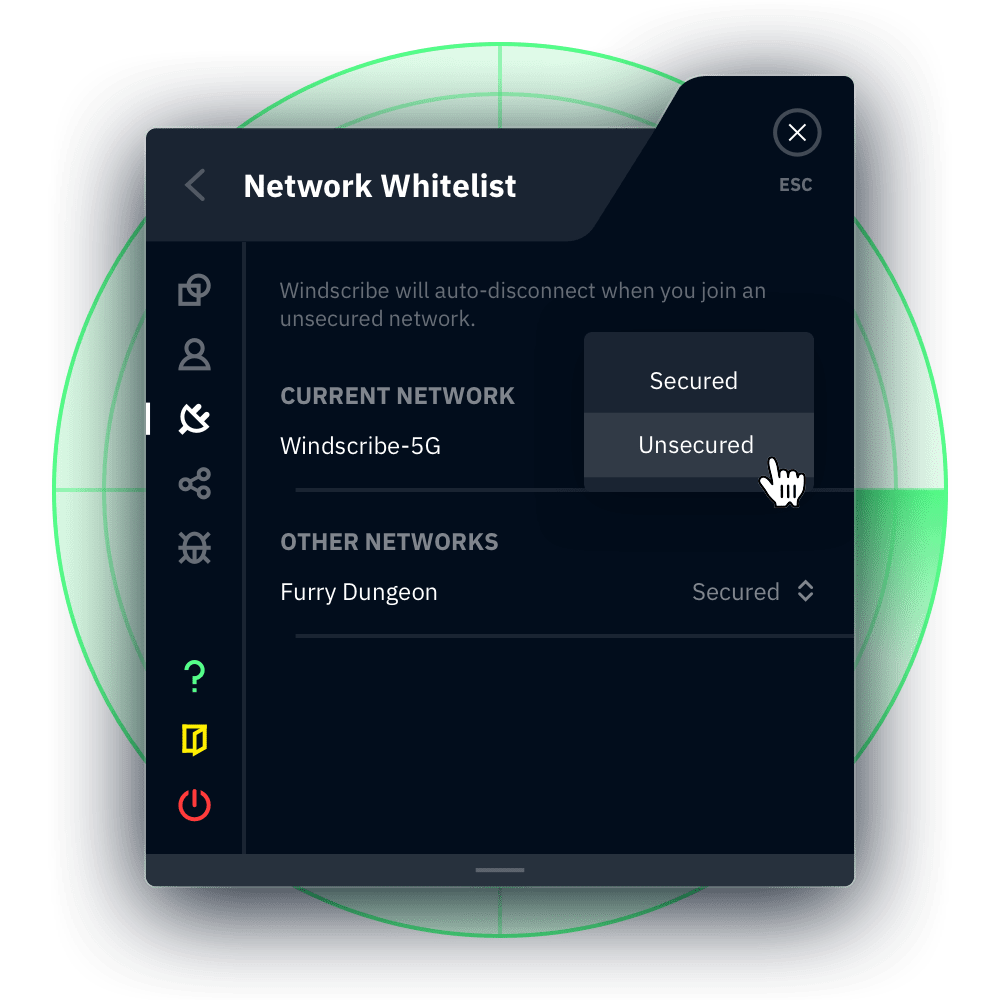
Network Rules
Connect or Disconnect Automatically.
Create custom rules for different Wifi networks. As soon as your enter a new Wifi, Windscribe can do something.
This includes automatically connecting or disconnecting from a VPN server, or connecting via a specific protocol.

Custom Config Support
Import any VPN config into Windscribe.
You may have your own VPN servers that you operate yourself, or ones that are provided by your workplace or even a different VPN provider. You can import any OpenVPN or WireGuard VPN config into Windscribe, and use it as if it's a Windscribe location.
You still get all the benefits and features of Windscribe. You don't even have to have a Windscribe account! Simply choose "Config only" mode from the splash screen, and use Windscribe as a VPN utility.


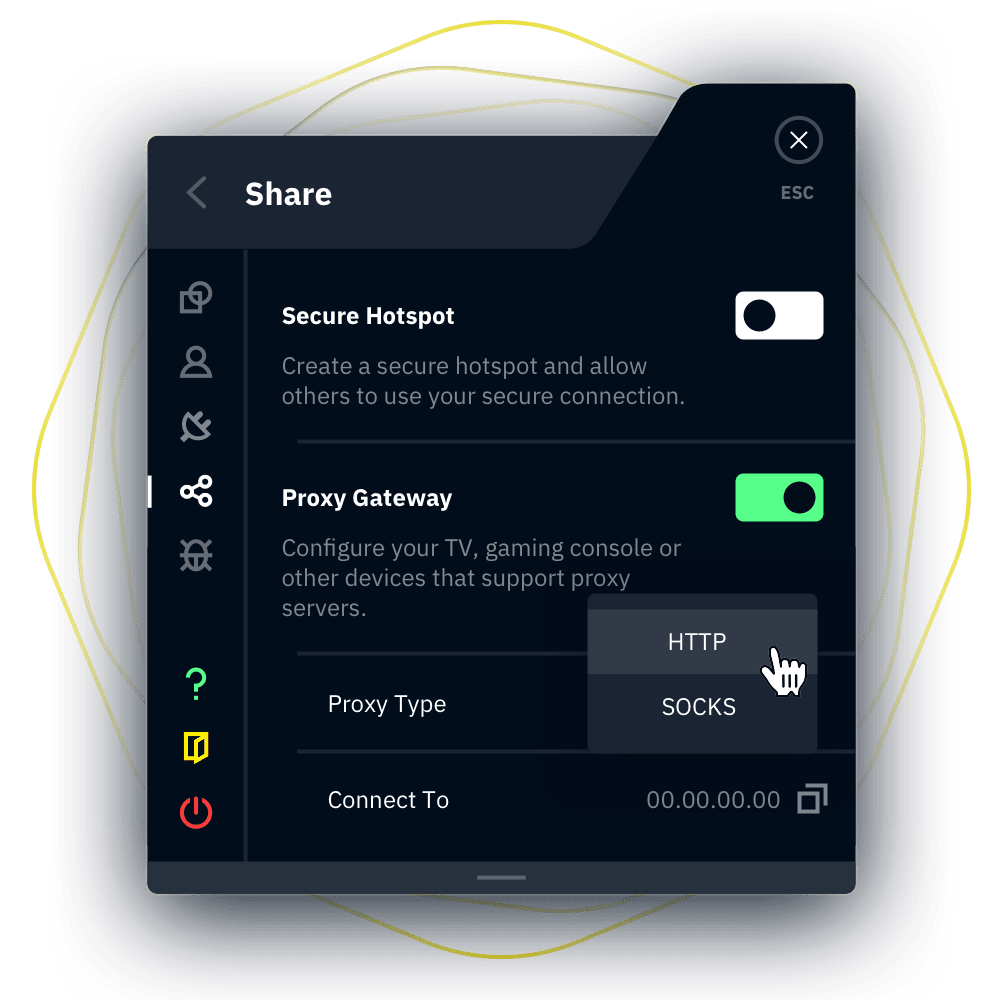
Proxy Gateway
Proxy Server for any Device.
Creates a secure HTTP or SOCKS5 proxy server on your computer. Any device on your network can use this proxy server in order to make requests over the tunnel. Handy for devices that don't support VPNs.
Other Features

TCP Socket Termination

TCP Socket Termination Terminate all existing TCP sockets when connecting to the VPN.

Packet Size Detection
Helps improve speeds on some networks.

Secure Hotspot
Share your secure Windscribe connection wirelessly.

Automatic Updating
Self-updating app will make sure you always have the latest and greatest.

Custom DNS Support
Use any 3rd party DNS server instead of our built-in R.O.B.E.R.T

100% Meme Friendly
Use custom images as skins and gain 69% better performance.
Loved & Trusted by Over 100 Million Users
Frequently Asked Questions
Does Linux have a built-in VPN?


Most Linux distributions come with a built in network management tool, which usually allows you to configure your own VPN using OpenVPN Protocol. Windscribe takes this a step further, by allowing you to import any OpenVPN or Wireguard configuration and use Windscribe’s server locations, all without ever making an account.
How do I Install Windscribe on Linux?
Depending on your Linux Distribution, you can visit our downloads page or grab the code straight from our Github repo and build from source.
Which servers can I connect to for free?
Our free tier offers you connections to servers in the United States, Canada, United Kingdom, Hong Kong, France, Germany, Netherlands, Switzerland, Norway, & Romania. It also includes 10GB of monthly data. Upgrade to pro and get unlimited data alongside access to servers in over 69 countries and 135 cities.
Need help setting up a VPN on Linux?
Don’t worry, we’ve covered the whole set up process in our article on how to add a VPN to Linux. If that’s not enough, Garry the all-knowing chatbot can help you troubleshoot and find the answer or next step you need.
What Linux distributions work with Windscribe?
Windscribe officially supports Debian/Ubuntu (Both AARCH64 & AMD64 architectures), Fedora, Arch, and openSUSE. If you use a different distribution or want to build yourself, our source code is available here.
TLDR; Windscribe facilitates delivery of messages by electronic transmission, as well as private message (packet) delivery over the encrypted tunnel from the client to one of our servers.